01Steering and speed
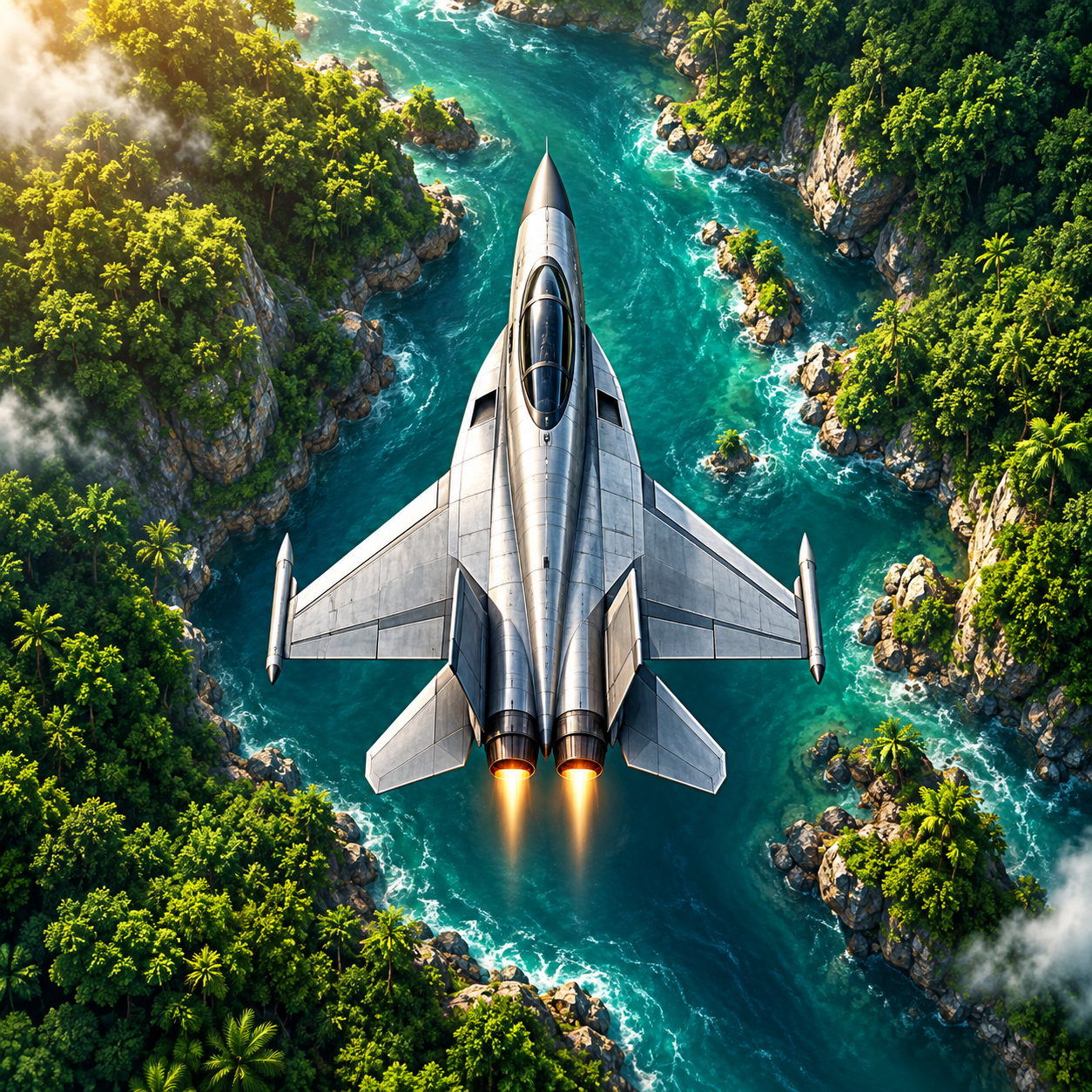
Touch and drag in the lower-left area. Choose a floating or fixed joystick in Settings. Floating centres on your first touch; fixed stays in place. Use short movements. As you approach islands, line up with the centre of the channel. Push up to accelerate and move forward on screen; pull down to move back on screen faster while slowing down. Lift your finger to release the steering input. Throttle and braking also work during diagonal steering. The aircraft can descend below its starting position; at the bottom limit, pulling down only slows flight. Exhaust glows yellow and orange as you accelerate; the aircraft banks further in turns. During invulnerability and respawn protection, the bank boundary keeps the aircraft over the river. Rivers and island passages are wider in the first three levels. This allowance fades by level 10; later narrowing is gradual and capped.
02Fire and bombs
In Classic mode, hold the right crosshair to fire and gently steer bullets as you fly. Automatic mode keeps firing; its bullets pass through fuel depots without damage. Press fire to deliberately shoot a depot. Manual fire destroys it with one hit for 80 points, removing that supply. Defensive bombs spare fuel. Jets, helicopters and balloons enter from the screen edges. From level two, jets cross in opposing waves of two and three. Balloons take one normal hit; helicopters, jets and boats take two, and tanks three. A hit costs one life; respawning grants three seconds of protection. Near an intact bridge, you respawn farther back for another approach. Helicopters turn gradually toward their movement. In narrow island channels, boat, helicopter and jet shots are staggered; new shots may wait while projectiles approach. Close-range launches are deferred and entry warnings last longer. Auto fire does not aim for you; line up with the target.
03Watch your fuel
Fuel placement follows section length and campaign progress: early routes have 4–5 stops, and later routes have 3. Regular refuelling is designed to sustain flight, with room to miss one early stop. Repeatedly missing or destroying supplies can still exhaust fuel.
Keep an eye on your fuel. The green platform reads YAKIT in Turkish and FUEL in English; changing the language also updates the label. Line up with a fuel platform and pull the left control back to slow down further and stay over it longer.
During refuelling, the platform’s eight-segment gauge fills according to the aircraft’s actual fuel level; green pulses show transfer into the tank. Flow stops when full. The gauge hides after leaving and freezes on pause. It does not show a remaining platform fuel inventory.
04Break through bridges
Bridges are your objective. Attack while holding a safe position over the river. Tank shots can damage the bridge. Bombs weaken it, and regular fire can destroy it too. Beyond the bridge, your flight continues into the next level without a transition screen.
05Continue your campaign
Version 0.22.8 uses the Android package ID com.setrox.rivunox. It installs separately from the old com.setrox.riverstrike test app; existing progress is not transferred automatically. Preserve your saves before removing the old app. Continue restores the last saved flight with your position, lives, fuel and bombs. Saves are periodic and event-based; an abrupt shutdown can lose the last few seconds. Older flight saves are mapped onto the new route. Browse local records and medals for all 100 levels from the main menu. Bird encounter timing and positions are also retained in the local flight save.
06Make the flight your own
Adjust audio, quality, weather effects, auto fire, joystick mode and hints in Settings. Open Help · About from the menu for controls, offline privacy information and the support address. Your lap is shown during flight, and your last cause of death appears on the result screen. The code-protected test panel is available in the normal test app; flights started there can affect local progress on the same device.